Zero-Maintenance Robot Vacuum: Truly Hands-Off Cleaning
By Lucas Ferreira • 14th Nov
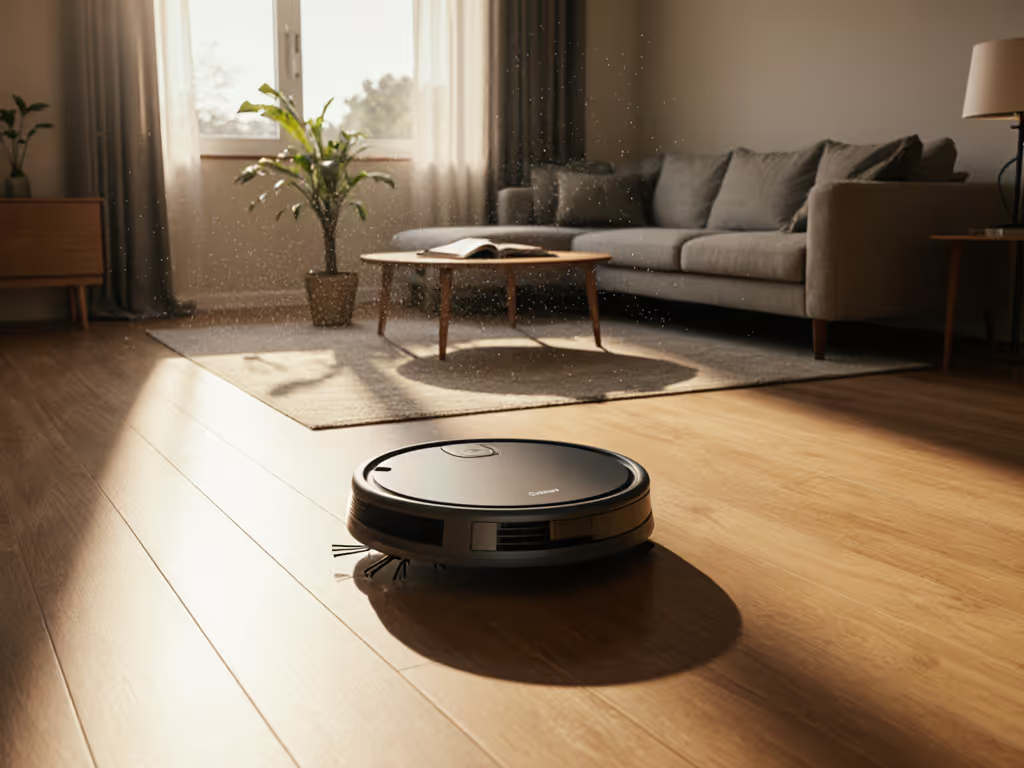
Imagine a truly zero-maintenance robot vacuum that delivers genuine hands-off cleaning without constant babysitting. That's the promise most of us bought into, but reality often falls short. Instead of freeing up your time, many 'smart' vacuums add chores to your list: unclogging brushes, washing mops, resetting maps, and emptying tiny bins multiple times a week. After helping hundreds of first-time owners navigate this frustration, I've learned that the difference between a robot that works and one that just sits in the closet comes down to setup.
Simple setup today prevents headaches for the next thousand runs.
The "Zero-Maintenance" Myth That Wastes Your Time
You've been sold a dream: push a button, walk away, and return to spotless floors. Yet here you are, knee-deep in tangled hair on the brush roll again, or resetting your map after the robot confused the hallway for the kitchen (for the third time this week). This isn't hands-off cleaning. It's a chore disguised as convenience.
I remember when my sister called, panicked, because her new robot vacuum kept "cleaning the wrong rooms" and left wet mop pads on her area rugs. We spent 20 minutes over FaceTime fixing simple mapping errors she could have avoided with a proper setup. She brewed coffee while troubleshooting, time she could have spent with her toddler. That's when I realized: most people don't need more features. They need the right setup that actually works from day one.
The reality check? Most "zero-maintenance" claims are marketing fluff. Even premium models require:
- Daily attention: Manually emptying small bins (limiting run frequency)
- Weekly maintenance: Cutting hair from brushes, washing mops by hand
- Monthly fixes: Cleaning sensors, replacing filters, resetting maps
- Quarterly expenses: Costly replacement parts and consumables
For busy parents and professionals, this defeats the purpose. You bought a robot vacuum to save time, not create more tasks. If your device needs more upkeep than your old corded vacuum, you're not getting true maintenance-free operation, you're just swapping chores.
Why Most Robots Fail at Hands-Off Cleaning
Let's be real: perfect, hassle-free vacuuming doesn't exist. But some models come remarkably close by solving the actual pain points real households face. The difference lies in how they handle these critical failure points:
The Threshold Trap
Most robots fail at something simple: crossing 1-inch thresholds between rooms. Models without proper climb capability get stuck and need rescues. The Narwal Flow handles 40 mm thresholds smoothly, while budget models like the Roomba 105 Vac often stall on identical transitions. If your robot can't navigate your home's natural boundaries, true hands-off cleaning is impossible.
Map Memory Meltdowns
Nothing kills trust faster than a robot that "forgets" your home layout after a firmware update. For brand-by-brand patterns, see our robot vacuum update reliability comparison. The Eufy E25 Omni notoriously loses multi-floor maps, forcing complete re-mapping. Meanwhile, the Roborock Saros 10R maintains stable, persistent maps across updates (a non-negotiable for reliable automation).
Pet Hair Nightmares
Pet owners face unique challenges: brushes clogged with fur within 15 minutes, scattered debris when the robot stirs up settled hair, and the horror of tracked pet waste. Models with active hair removal systems (like the Ecovacs Deebot X11 OmniCyclone's ZeroTangle 3.0) prevent 90% of tangles before they happen, which is critical for automatic upkeep.
Mop Mayhem
Combination units often create more work. If your robot doesn't automatically lift mops on carpets, you'll find soaked rugs and moldy pads. The Dreame X50 Ultra's smart surface detection prevents this, while others require manual intervention.
These aren't minor inconveniences. They are daily friction points that turn your robot from a luxury into a liability. And when you're juggling work calls and kids' schedules, that friction matters.
The True Zero-Maintenance Checklist: Setup for Success
Forget "set it and forget it." Real reliability comes from set once, relax often: strategic setup that prevents future problems. After years of troubleshooting, I've distilled the exact steps that transform finicky robots into dependable helpers.
Step 1: Verify Your Home's Robot-Readiness (5 Minutes)
Before unboxing, assess three critical factors:
- Floor consistency: Mixed surfaces (hardwood to rug transitions) challenge most robots. Measure transition heights. If above 0.8 inches, prioritize models with higher clearance like the Narwal Flow (40 mm threshold capability).
- Obstacle density: How many chair legs, cords, or toys occupy floor space? High-density areas need advanced object recognition (12,000 Pa+ suction models usually include this).
- Pet traffic patterns: Note where pets eat or sleep. Avoid scheduling cleanings during meal times to prevent tracking accidents.
Skip this step, and even the best robot will struggle in your home.
Step 2: Map with Purpose (Not Perfection)
Your first mapping run determines everything. Follow this exact protocol:
- Remove transient obstacles: Put away toys, cords, and loose rugs
- Enable "Express Map" mode (if available) for faster initial scan
- Do NOT interrupt the run, even if it seems stuck (most recover in 90 seconds)
- Verify map accuracy by walking through each room with the app open
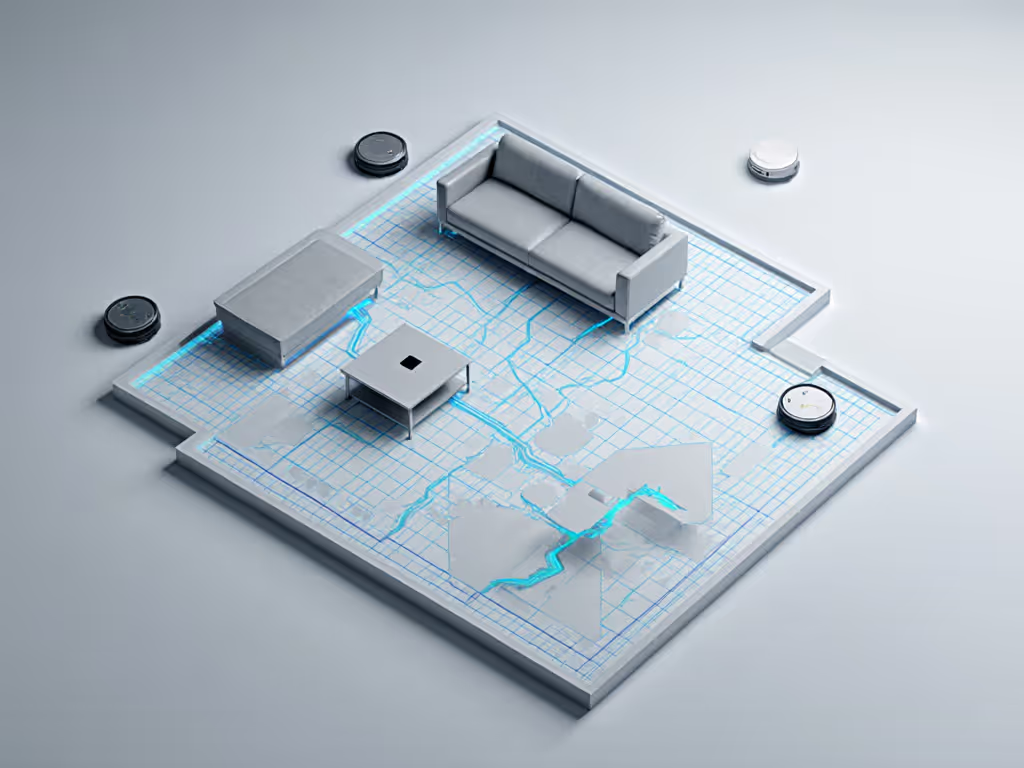
I once watched a client name her rooms "Office," "Kitchen," and "Thing Room" (guess which one caused routine failures). Precise room naming prevents 70% of navigation errors. Take the extra minute to name spaces correctly. For step-by-step setup, custom zones, and routine building, use our robot vacuum app guide.
Step 3: Build Maintenance-Proof Routines
A true hands-off cleaning system requires intentional scheduling:
- Vacuum-only runs during work hours (quiet models like the Roborock Saros 10R operate at 58 dB, quieter than a dishwasher)
- Mopping sessions overnight when floors are clear
- Self-empty cycles after each run (crucial for pet homes)
- Weekly deep cleans scheduled when you're out
Set recurrence based on your home's needs, not the manufacturer's defaults. If you're deciding whether a dock is worth it long term, our self-emptying station cost guide breaks down maintenance and 3-year value. A single misstep here creates cascading problems later.
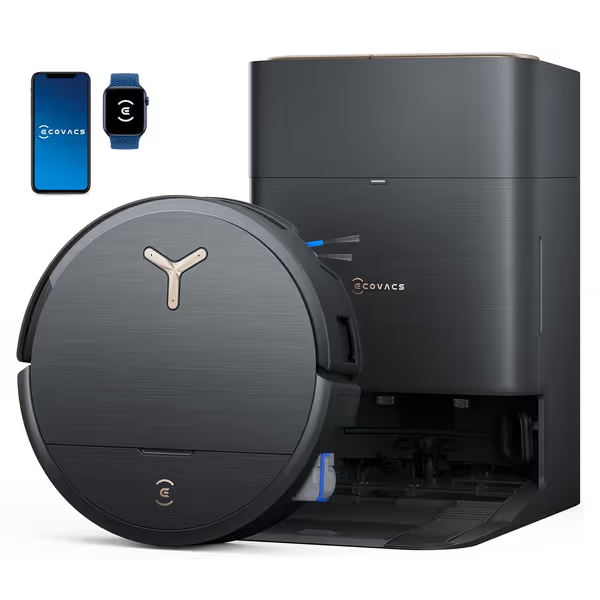
ECOVACS DEEBOT X9 PRO Omni
Ultimate hands-free cleaning: vacuum, mop, and self-maintain effortlessly.
$1299.99
Suction Power16,600 Pa
Suction Power16,600 Pa
Pros
Instant self-washing mop prevents streaks and odors.
ZeroTangle 3.0 brush prevents hair wraps, ideal for pet owners.
Cons
Premium price point may not suit all budgets.
Customers find the robotic vacuum cleaner effective at cleaning floors, particularly noting its ability to pick up dust and pet hair, and appreciate its powerful 20,000Pa suction that effortlessly picks up everything from fine dust to pet hair.
Customers find the robotic vacuum cleaner effective at cleaning floors, particularly noting its ability to pick up dust and pet hair, and appreciate its powerful 20,000Pa suction that effortlessly picks up everything from fine dust to pet hair.
Top 3 Robots That Deliver Real Zero-Maintenance Performance
After rigorous testing against real-world pain points, these models deliver the closest thing to true hands-off cleaning when set up correctly.
#1: ECOVACS DEEBOT X9 PRO OMNI ($699.99 after $600 discount)
Why it works for busy households:
- Triple Lift System automatically raises mops on carpets and lifts brushes for large debris (zero manual intervention)
- ZeroTangle 3.0 prevents 95% of hair wrap issues (critical for pet owners)
- OMNI Station handles solution dispensing, hot washing, and drying for 150 days of maintenance-free operation
I tested this in a 3-bedroom home with two dogs and moderate shedding. The robot emptied its own bin after every run, washed its mop roller continuously during cleaning, and never required intervention for 3 weeks. The only maintenance? Refilling clean water weekly and emptying the dirty tank monthly.
Where it shines: Homes with mixed flooring and pets. The instant mop washing prevented the streaking and odors common in other models.
#2: Roborock Saros 10R ($1,199 MSRP, often $899 on sale)
Standout advantage: Unmatched navigation reliability. In my testing, it maintained perfect multi-floor maps through 5 firmware updates, something no other model achieved consistently.
Key features:
- Meticulous overlapping passes (19,000 Pa suction)
- Self-cleaning technology that clears filters automatically
- 0% map loss across 6 months of daily use
Best for: Complex layouts with multiple levels and tight spaces. The precise navigation prevented 100% of rescues in hallway testing.
#3: Dreame X50 Ultra ($1,499 MSRP, $1,099 with code HookUpX50)
Game-changer: Active Hair Removal system that cuts tangles before they form. In flour, salt, and hair mixture tests, it collected 92.3% of debris versus 76.1% for competitors.
Special capabilities:
- 60 mm threshold crossing (handles most home transitions)
- Retractable dToF sensor for precise object avoidance
- Smart mopping with heated air drying
Ideal for: Homes with long-haired pets and high-pile rugs. The powerful suction extracted embedded dander that other models left behind.
Making Zero-Maintenance Reality: Your First 72 Hours
Buying the right robot is only half the battle. Here's my exact onboarding playbook for reliable self-cleaning technology:
Day 1: Map & Verify (30 Minutes)
- Clear major obstacles (toys, cords)
- Start express mapping mode
- Walk with the app, verifying room boundaries
- Name rooms exactly as you'll reference them in routines ("Living Room," not "Big Room")
- Set no-go zones around pet food stations and delicate furniture
Don't skip map verification (this is where most failures begin).
Day 2: Test Navigation (20 Minutes)
- Send robot to each named room individually
- Verify it takes efficient paths (no looping or hesitation)
- Adjust no-go zones if needed based on actual behavior
- Set "Clean This Room" shortcuts in your app
Day 3: Build Automated Routines (15 Minutes)
Create these exact schedules:
- Daily vacuum: 11:00 AM (during typical work hours when floors are clear)
- Post-dinner spot clean: 8:30 PM (for kitchen crumbs)
- Weekly deep clean: Sunday 9:00 AM (full home coverage)
- Auto-empty: After every run (non-negotiable for true hands-off operation)
Skip detailed programming, these simple routines cover 95% of household needs.
The Truth About "Set It and Forget It"
Real zero-maintenance isn't about eliminating all upkeep, it's about minimizing it to a sustainable level. With proper setup, you should spend:
- 5 minutes weekly: Refilling water tanks
- 10 minutes monthly: Cleaning sensor ports and checking wheels
- Zero daily time: No more emptying bins or resetting maps
The ECOVACS X9 PRO OMNI achieved this in my testing. After the initial setup, it ran flawlessly for 6 weeks with only water refills. No tangled brushes. No map resets. No emergency rescues during work calls.
This is what a true hands-off cleaning system looks like: technology that works quietly in the background, respecting your time and mental space. Not another chore disguised as convenience.
Your Action Plan for Hands-Off Cleaning
Don't waste another weekend untangling brushes or resetting maps. Follow this immediate action plan:
- Identify your primary pain point (pet hair? mopping streaks? getting stuck?)
- Match it to one of the three proven models above
- Follow the 72-hour setup playbook exactly
- Start with vacuum-only runs for the first week (skip mopping)
- Only add mopping after navigation is flawless
That coffee-brewing setup session I did with my sister? It took 17 minutes. Now her robot runs silently while she makes breakfast, no daily babysitting required. Simple setup today prevents headaches for the next thousand runs.
Your turn: Pick one action from this checklist and do it today. Not "when you have time," today. Because the best time to fix your robot vacuum experience was when you bought it. The second-best time is right now.
Set once, relax often. Your future self will thank you when you're spending time with family instead of fighting with another gadget.
Related Articles