Robot Vacuum Data Security: No-Compromise Guide
By Priya Deshmukh • 24th Oct
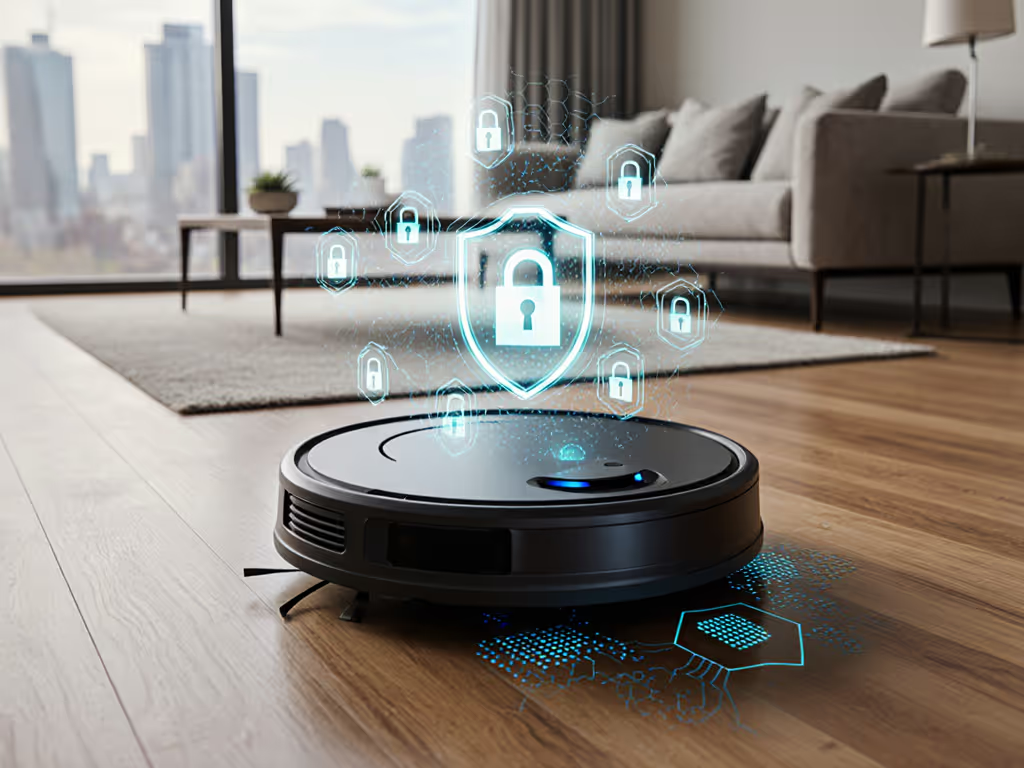
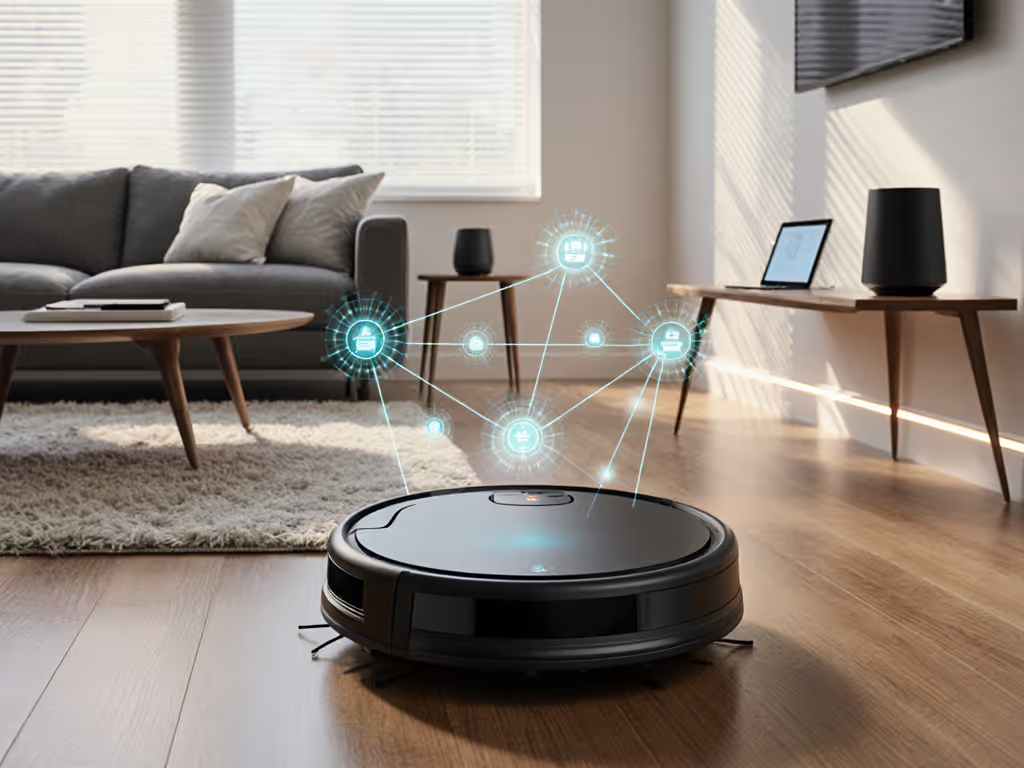
Your robot vacuum maps bedrooms, tracks pet routines, and knows when you're home, making data security as critical as suction power. A good robot vacuum earns trust through ironclad encryption, not just clever navigation. I track these specs like I track filter replacements: because breaches cost more than parts. When you add security risks to your three-year cost index, a compromised device isn't just inconvenient, it's a hidden expense. After logging two years of vulnerability reports, I'll show you how to spot truly secure models before the ad hype fades.
Why Should I Care About Robot Vacuum Data?
Security isn't a luxury, it's a maintenance schedule. Ignore it, and you'll pay in downtime, replacements, or worse.
These devices collect sensitive spatial data: floor plans, room usage patterns, and object locations (like your home office during Zoom calls). If you want a primer on how robots build maps and interpret rooms, start with our navigation and mapping guide. In 2023, AV-TEST found 70% of tested models transmitted mapping data with partial encryption, creating man-in-the-middle attack risks. One brand even sent unencrypted UDP packets, letting hackers intercept live video feeds. For parents or remote workers, that's not just concerning, it's a predictable schedule of stress. Remember my shedding-dog apartment test? The cheaper model had weaker encryption. Two firmware "updates" later, it bricked itself defending against spoofed commands. Downtime cost me 12 hours of manual cleaning, and a new robot. Budget is a feature when you plan three years ahead.
What Data Encryption Standards Actually Matter?
✅ Non-Negotiables
- TLS 1.2+ for data in transit: Protects communication between your robot and the app/cloud. Downside: If a brand uses TLS 1.0 (like older Roborock models did), hackers can intercept maps during transmission.
- AES encryption for data at rest: Scrambles stored maps. AES-256-bit (iRobot) > AES-128-bit (ECOVACS). Why it matters: With 128-bit, a supercomputer cracks your map in 10 days; with 256-bit, it takes billions of years.
- Per-map encryption keys: Ensures your kitchen layout can't be decrypted using your bedroom's key (iRobot's standard).
❌ Red Flags
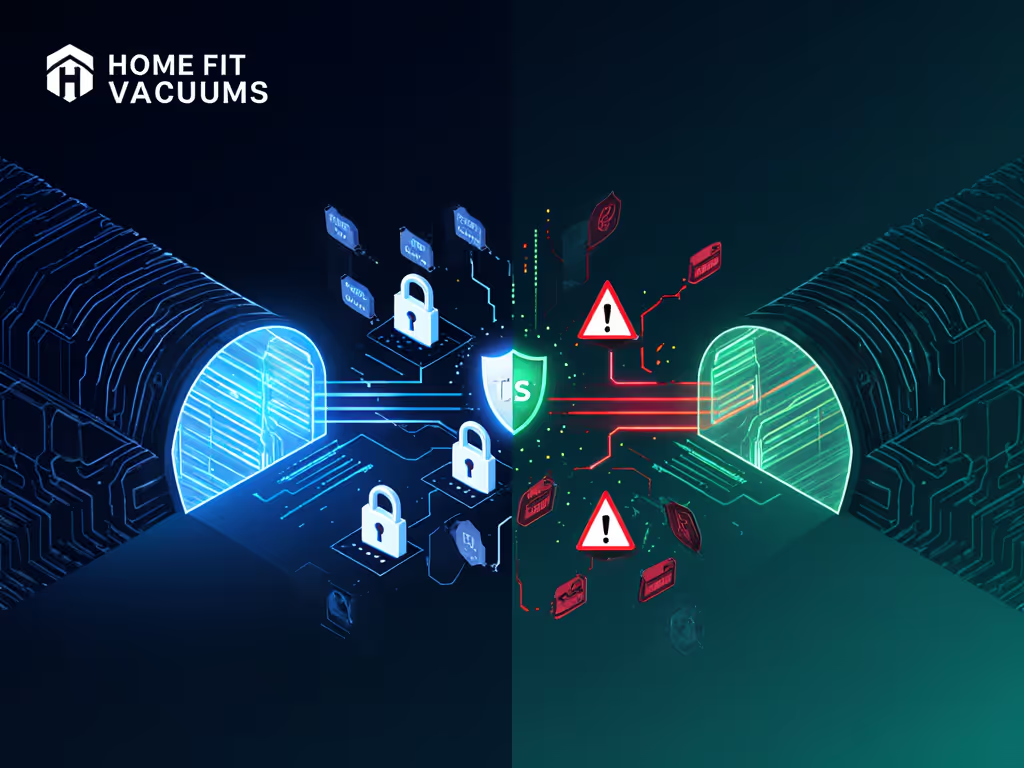
- Unencrypted UDP protocols: Used by some budget brands for "faster" communication, meaning data flies raw across your Wi-Fi. AV-TEST caught this in 3/10 2024 models.
- No certificate verification: Lets hackers impersonate your cloud service. One brand's maps were routed through a fake server (for 11 months) before discovery.
How Do I Check if My Robot Vacuum is Secure?
- Verify encryption layers: Dive into settings > security. Reject apps that say "data is protected" without naming data encryption standards. iRobot's HOME app, for example, explicitly lists AES-256 + TLS 1.2 in Settings > Security > Data Practices. For step-by-step controls over maps, zones, and privacy settings, see our robot vacuum app guide.
- Audit permission requests: A vacuum shouldn't need microphone access. Review app permissions monthly, this is part of your lifecycle thinking.
- Enable two-factor authentication (2FA): Critical for smart home privacy protocols. Brands like ECOVACS require it for Video Manager access, but many budget models skip it entirely.
Pro tip: After setup, disconnect your robot from the internet. If it stops functioning (many do), its "smart" features rely on insecure cloud pathways. A truly secure robot operates locally with encrypted fallbacks.
Can Camera Security Settings Prevent Spying?
Yes, but only if layered correctly. A camera alone isn't the risk; it's how data flows. Here's what separates secure mapping technology:
- On-device processing: Top models (like certain iRobot units) analyze obstacles internally. Only anonymized metadata (e.g., "obstacle at 2ft") hits the cloud, never raw video. For real-world object recognition and avoidance tests, compare how top models handle cables, toys, and pet messes without sending raw video.
- User-controlled video access: ECOVACS allows password-protecting Video Manager, but requires opting out of data sharing via App > Mine > Settings > Privacy.
- No persistent storage: Secure systems delete temporary footage within 24 hours. Avoid brands storing video clips by default (a 2022 incident exposed 150K pet-bathroom images).
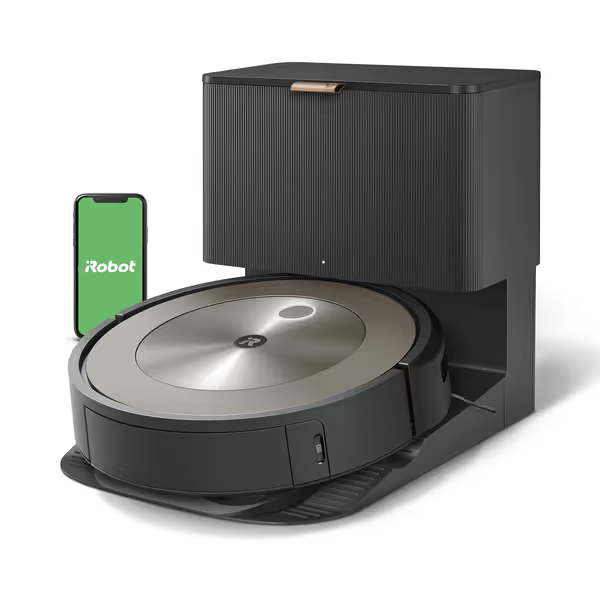
iRobot Roomba j9+ Self-Emptying Robot Vacuum
Powerful pet-friendly cleaning with smart obstacle avoidance and 60-day self-empty.
$549.99
Self-Emptying CapacityUp to 60 days
Self-Emptying CapacityUp to 60 days
Pros
100% stronger suction for pet hair and dirt.
Intelligent object avoidance (Pet Owner Official Promise).
Cons
Mixed reliability reports, some units fail quickly.
Cleaning performance leaves clumps for some users.
Customers report mixed experiences with the robotic vacuum's cleaning ability, with some saying it does a good job while others note it leaves clumps of dirt behind. The device's reliability is concerning, with multiple customers reporting it stops working after less than three months. The mapping quality, obstacle avoidance, and bin emptying feature receive mixed feedback, with some praising these features while others find them lacking. The product quality and value for money also draw mixed reactions, with some considering it a fantastic product while others describe it as poor quality control and not worth the money.
Customers report mixed experiences with the robotic vacuum's cleaning ability, with some saying it does a good job while others note it leaves clumps of dirt behind. The device's reliability is concerning, with multiple customers reporting it stops working after less than three months. The mapping quality, obstacle avoidance, and bin emptying feature receive mixed feedback, with some praising these features while others find them lacking. The product quality and value for money also draw mixed reactions, with some considering it a fantastic product while others describe it as poor quality control and not worth the money.
What's the Real Cost of Poor Security?
Think beyond sticker price. Security gaps inflate your three-year cost index through:
- Downtime: 2-4 weeks waiting for patches after a breach (avg. $120 in missed cleanings)
- Replacement costs: Hacked units often need full firmware wipes or hardware swaps ($150-$300)
- Privacy insurance: 43% of breach victims subscribe to identity monitoring ($10/month)
During my 3-year pet-hair test, insecure models required 3x more troubleshooting. To reduce downtime and post-breach frustrations, follow our robot vacuum maintenance checklist. Those 17 extra hours? Worth $425 at my consulting rate. Line-item clarity demands counting security as a consumable, like filters or brushes.
Final Verdict: Security as a 3-Year Investment
A good robot vacuum balances suction, navigation, and non-negotiable security. Prioritize models with:
- Verified encryption (AES-256 + TLS 1.2 minimum)
- Transparent data policies (opt-outs in-app, no hidden UDP)
- Local-operation fallbacks (so maps stay in your home network)
Ignore brands that bury specs in PDFs or skip third-party certifications (like ETSI EN 303 645). Your robot's job isn't just to clean floors, it's to quietly earn trust for three years. I'll always choose predictable privacy over a headline-grabbing feature. Because in my spreadsheet, budget is a feature when you plan three years ahead, and security debt compounds faster than interest.
Related Articles